


ok, das habe ich nun geschafft, es gibt da eine ellenlange liste
Beiträge von bluehori
-
-
ok, das muss ich jetzt erstmal suchen, wie das geht. Ich melde mich dann spaeter, sobald ich es habe....sorry, bin wirklich nicht bewandert....
-
Hilft das vielleicht?
CSS
Alles anzeigen/* Theme Name: Blue Horizon Theme URI: http://hsn.me Author: HSN.me */ [url='https://wpde.org/system/user/?userID=10206']@Media[/url] screen { * { margin: 0; padding: 0; } body { background: #b2bdcb; font: 12px/1.4 Verdana, Geneva, sans-serif; width:750px; margin: 0 auto;} .screen-reader-text { position: absolute; left: -9999px; top: -9999px; } .clear { clear: both; } .group:after { visibility: hidden; display: block; font-size: 0; content: " "; clear: both; height: 0; } * html .group, *:first-child+html .group { zoom: 1; } /* First selector = IE6, Second Selector = IE 7 */ #page-wrap { width: 750px; margin: 0 auto ; background: #DFE4E7; } table, tr, td { border:1px solid #fff !important; } table table { border:none !important; } table table table { border:none !important; } table, table table { width:550px !important; } .entry { width:620px; margin: 0 auto; color:#003366; font-size:16px !important } .post_title { color:#003366; } .entry table { margin: 0 auto; } .homeinfo { background:#fff; width:520px; min-height:75px; padding:10px; float: left; } .homeinfocat { background:#fff; width:500px; min-height:75px; padding:10px; float: right; margin-right:20px; margin-bottom:20px; } .homeimg { padding-right: 30px; padding-left: 20px; padding-bottom: 30px; } .homeimgcat { padding-right: 27px; padding-left: 20px; padding-bottom: 30px; } .homeimgcat img { max-width:160px; max-height:160px; } .nav { width: 270px; float:left; margin-top:-1px; height:235px; } .nav ul li { background: url(images/menu.jpg) left no-repeat #385575; list-style: none; margin-bottom:1px; padding:3px 4px 4px 4px; width: 263px; text-indent:20px; font-size:14px; font-family:Calibri; } .nav ul li a { text-decoration: none; color: #fff } .himg { float:right; height:214px; padding-bottom:20px; } .head { background: #738088 } .imgbar { margin-top:240px; } .imgbar ul li { display:inline; list-style:none; margin-left:23px; } a { text-decoration:none; } #footer { float:right; } h2 { color:#385575; font-size:14px; } .style25 { font-size: 18px; color: #FFFF00; font-weight: bold; font-family: Verdana, Arial, Helvetica, sans-serif; } .style27 {color: #FF9900} .style28 {font-size: 18px; color: #FF9900; font-weight: bold; font-family: Verdana, Arial, Helvetica, sans-serif; } } /* END screen media */ [url='https://wpde.org/system/user/?userID=10206']@Media[/url] print { .do-not-print { display: none; } #comments { page-break-before: always; } body { width: 100% !important; margin: 0 !important; padding: 0 !important; line-height: 1.4; word-spacing: 1.1pt; letter-spacing: 0.2pt; font-family: Garamond,"Times New Roman", serif; color: #000; background: none; font-size: 12pt; } h1,h2,h3,h4,h5,h6 { font-family: Helvetica, Arial, sans-serif; } h1 { font-size: 19pt; } h2 { font-size:17pt; } h3 { font-size:15pt; } h4,h5,h6 { font-size:12pt; } code { font: 10pt Courier, monospace; } blockquote { margin: 1.3em; padding: 1em; } img { display: block; margin: 1em 0; } a img { border: none; } table { margin: 1px; text-align:left; } th { border-bottom: 1px solid #333; font-weight: bold; } td { border-bottom: 1px solid #333; } th, td { padding: 4px 10px 4px 0; } caption { background: #fff; margin-bottom: 2em; text-align: left; } thead { display: table-header-group; } tr { page-break-inside: avoid; } a { text-decoration: none; color: black; } } /* END print media *//*begin custom CSS*/.customLineBreakBefore { padding-top: 30px;}.customLineBreakAfter { padding-bottom: 30px;} -
Ok, hier sind die Screenshots
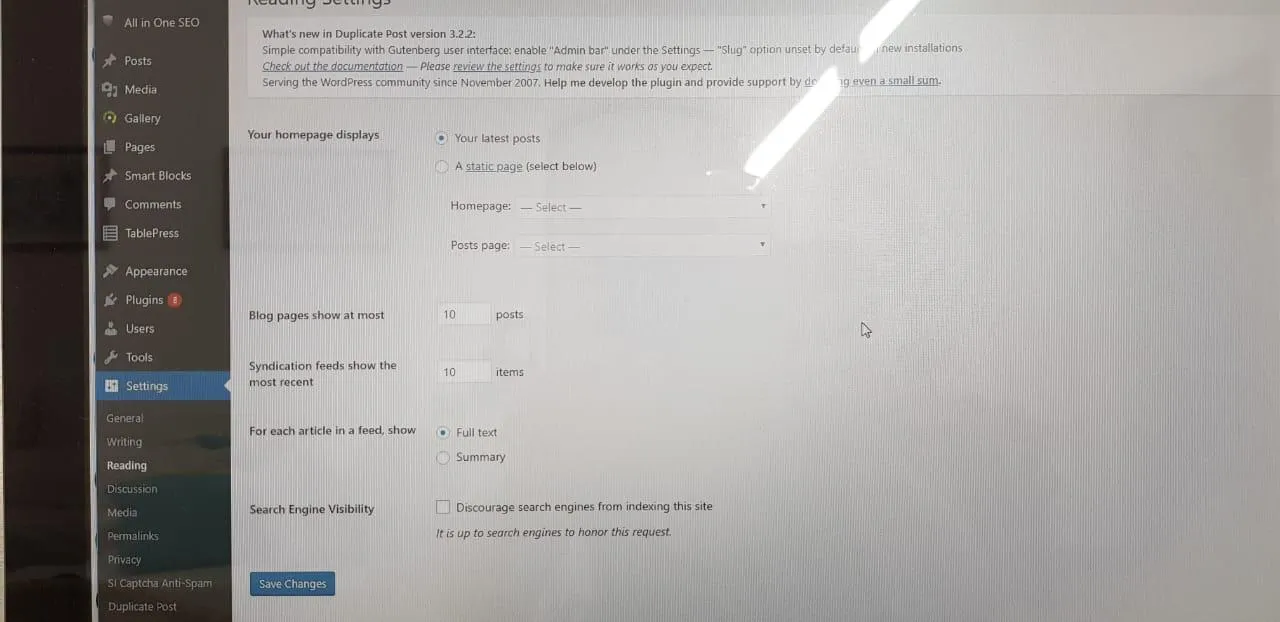
-
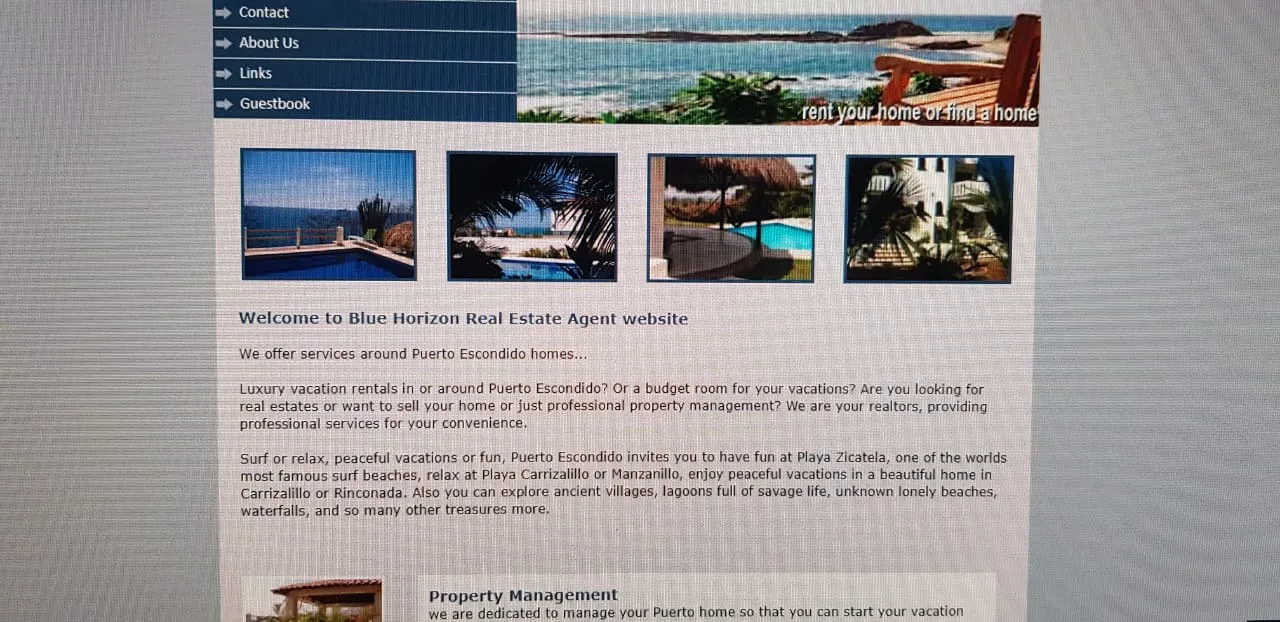
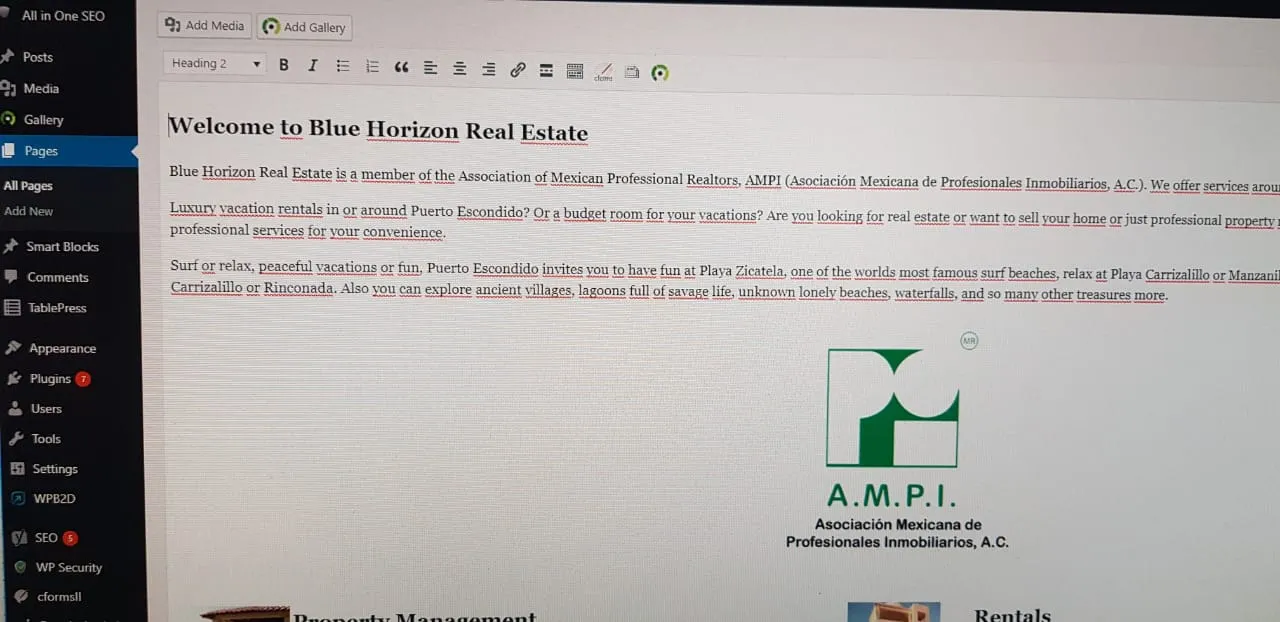
Hi, danke, dass Du es Dir angesehen hast. Es ist dieselbe Seite, das AMPI logo soll genau da hin, wo ich es hingesetzt habe. Den Text habe ich auch etwas geaendert, auf der Bearbeitungsseite geht es, aber man sieht es spaeter nicht. :(:mad:
-
muss natuerlich http://www.bluehorizon.com.mx/Compact heissen.
Das Logo ist ein einfaches jpeg. -
Oh, ok sorry. Die Seite ist http://www.bluehorizon.com.mx
Auf der Seite http://www.bluehorizon.com.mx/Compact hat es funktioniert.
Vielen lieben Dank! Martina
-
Hallo aus dem tiefsten Mexiko, ich bin ziemlich ueberfordert mit der Aenderung meiner Homepage, alles, was ich machen moechte, ist ein Logo einfuegen und den Text etwas aendern, im Editor wird das auch alles schoen angezeigt, nur auf der Seite nicht mehr.
Ich habe im Netz gesucht, die meisten Tips sagten, die Cache Plugins ausschalten (hab ich gar nicht) und den Cache des Browsers leeren, hab ich gemacht, nutzlos....
Ich hatte keinerlei Vorkenntnisse, meine Seite hatte ich mit Frontpage erstellt und jemand hat sie mir auf Wordpress uebersetzt, ich kann neue Posts machen und sogar ein bisserl SEO aber damit hat sich das auch schon....
Kann mir bitte jemand helfen?
Viele liebe Gruesse aus Puerto Escondido, Mexico