Hey Ihr lieben 
ich habe folgendes Anliegen:
Problemstellung:
Als erstes habe ich in meiner functions.php ein script eingebunden, welches mir erlaubt SVG-Datein in die Mediathek zu laden und dieses in der Mediathek auch anzeigen zu lassen:
// Function add Custom // ERLAUBE SVG UPLOADS
// ========================================================================== //
function bh_svgimg_types($file_types){
$new_filetypes = array();
$new_filetypes['svg'] = 'image/svg+xml';
$file_types = array_merge($file_types, $new_filetypes );
return $file_types;
}
add_action('upload_mimes', 'bh_svgimg_types');
// Zeigt SVG's in der Mediathek als Vorschau an //
function bh_svg_media_thumbnails($response, $attachment, $meta){
if($response['type'] === 'image' && $response['subtype'] === 'svg+xml' && class_exists('SimpleXMLElement'))
{
try {
$path = get_attached_file($attachment->ID);
if(@file_exists($path))
{
$svg = new SimpleXMLElement(@file_get_contents($path));
$src = $response['url'];
$width = (int) $svg['width'];
$height = (int) $svg['height'];
//Media Gallerie
$response['image'] = compact( 'src', 'width', 'height' );
$response['thumb'] = compact( 'src', 'width', 'height' );
//Media Einzelbild
$response['sizes']['full'] = array(
'height' => $height,
'width' => $width,
'url' => $src,
'orientation' => $height > $width ? 'portrait' : 'landscape',
);
}
}
catch(Exception $e){}
}
return $response;
}
add_filter('wp_prepare_attachment_for_js', 'bh_svg_media_thumbnails', 10, 3);
Das Script habe ich nicht selber geschrieben!
Dann habe ich eine Bild quasi Randlos max. 10px Abstand überall als SVG Datei erstellt und hochgeladen, bis hierher ist noch alles i.o.
Problem:
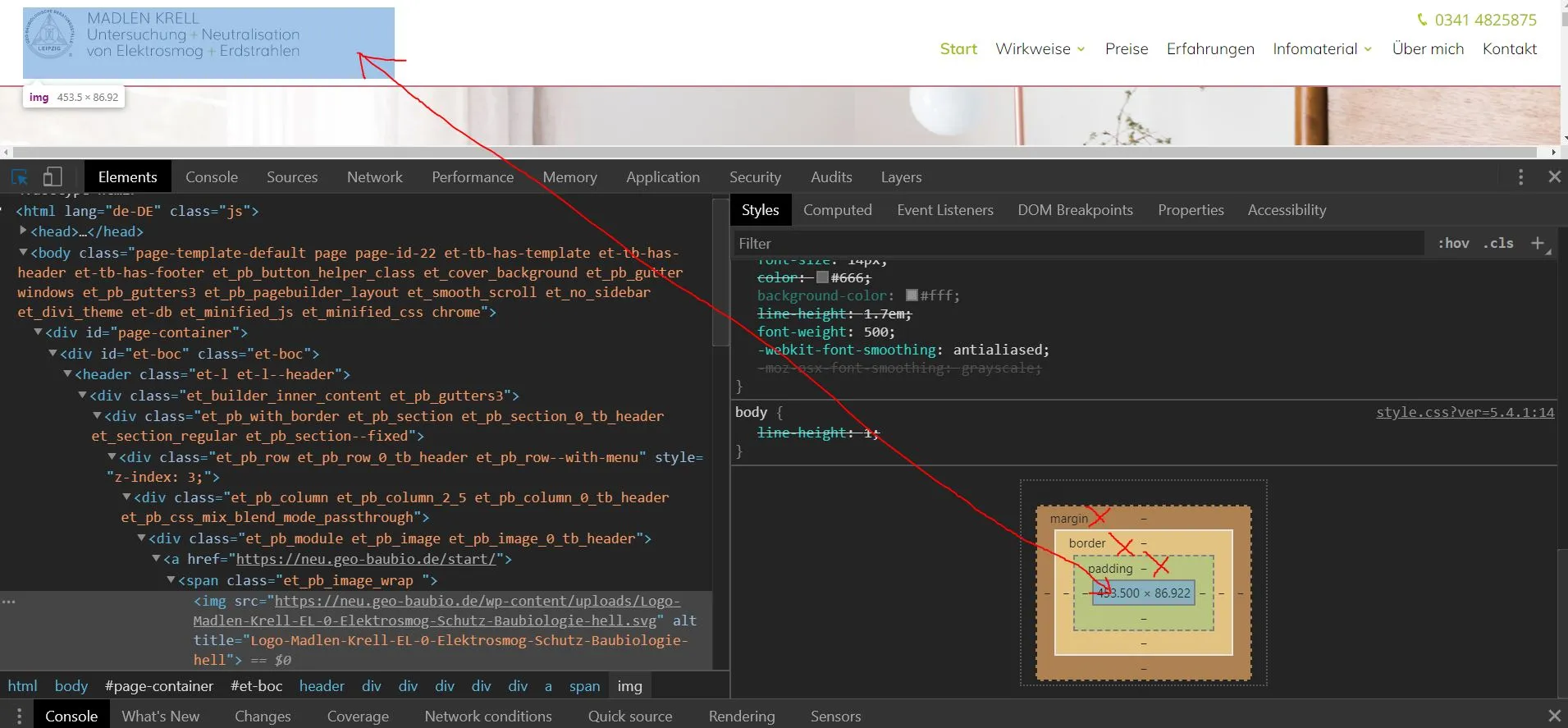
Nach dem Hochladen in die WordPress Mediathek bekommt es dort einen Rand unten und rechts vom Bild.
hängt das mit dem Script zusammen?
Oder ist das ein Bug in WordPress?
Ich habe keine Vorstellung was ich noch probieren könnte!
Meine WordPress Version ist: 5.4.1
bitte um hilfe
Gruß Neburl